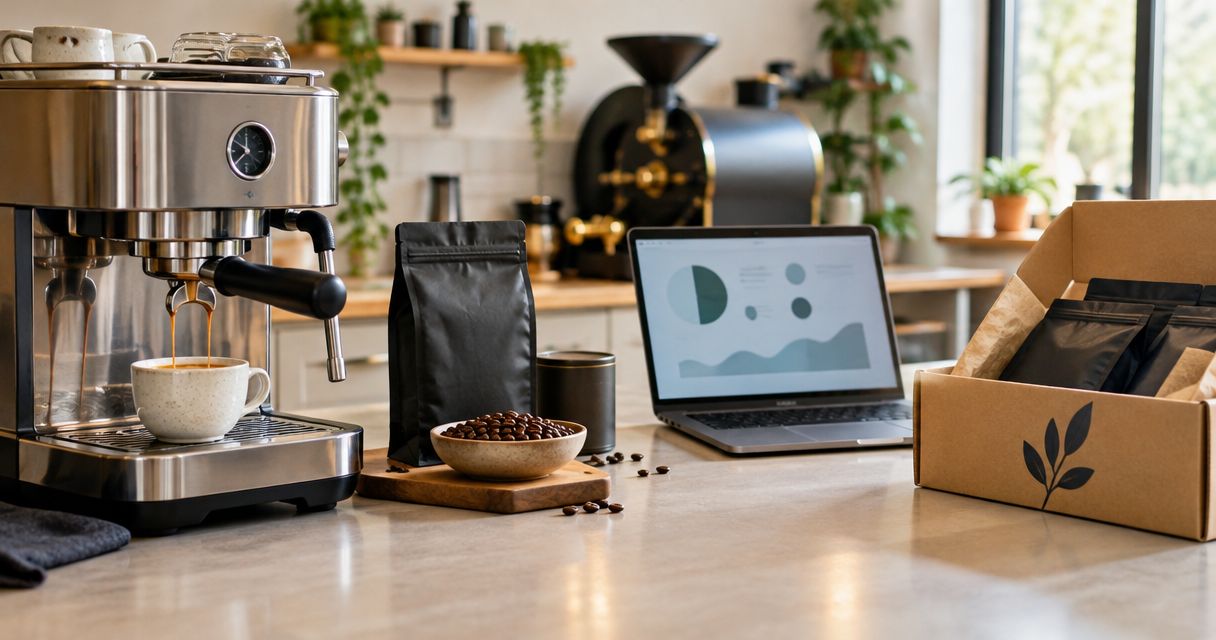
Instead of manually checking your bean supply each morning, build an espresso machine coffee subscription workflow around your measured coffee use, preferred beans, and reorder date. Your espresso machine does not need a shopping integration: a repeatable brewing recipe and a supply calendar connect fresh-roast deliveries to your daily routine.
- An espresso machine coffee subscription works best when delivery timing follows measured bean use, not an arbitrary calendar.
- Brew4ufresh suits home coffee drinkers shopping for freshly roasted coffee delivered to their door.
- Keep espresso beans consistent while you establish grind, dose, and yield.
- Check subscription controls before enrolling; use a calendar reminder for manual ordering.
Why this matters
A delivery schedule solves a supply problem. It does not solve an extraction problem. If you change beans, grind, and dose together, you lose the reference point that tells you why the next shot tastes different.
Brew4ufresh is best for home coffee drinkers shopping for freshly roasted coffee delivered to their door. Start with the coffee selection at Brew4ufresh, then match your ordering routine to what your machine actually uses.
For your 2026 setup, keep two records: a brewing recipe and a bean-use log. The recipe helps you repeat a good cup; the log tells you when to order again. Neither requires a connected appliance or a separate automation service.
Before you start
- Gather your brewing equipment. Have your espresso machine, its manual, suitable coffee, and a kitchen scale ready. A separate grinder is needed for whole beans unless your machine includes one; follow the manual for permitted beans and grinder adjustments.
- Prepare your ordering access. Have access to your chosen coffee retailer, order confirmations, and a calendar or notebook. Before choosing recurring orders, check the offered coffee format, delivery intervals, and order-change controls.
- Account for beans that never reach your cup. Grinder purges, discarded shots, and recipe adjustments consume coffee too. Record these separately so your supply plan does not assume every gram becomes a drink.
The non-obvious setup trap is ordering by cup count. A small milk drink and a larger milk drink can use the same espresso dose, while a drink with an extra shot uses more beans. Measure dry coffee, not finished drink volume.
Coffee and machine requirements
Choose the coffee format before setting a delivery cadence. In 2026, a fresh-roast ordering plan still starts with the machine manual, not a subscription checkbox.
Coffee-format comparison
| Coffee format | Best for | Benefit | Limitation | Setup decision |
|---|---|---|---|---|
| Whole beans | Home brewers with an espresso-capable grinder | You can adjust grind as extraction changes | Requires grinding and recipe adjustment | Confirm grinder suitability before ordering |
| Ground coffee | Brewers whose equipment accepts the supplied grind | Removes the grinding step | You cannot change particle size after purchase | Check the grind description against your machine requirements |
| Capsules | Machines designed for a specific capsule system | Keeps preparation simple | Loose beans and grounds cannot replace the required capsule format | Confirm the exact system in the manual |
- Identify the coffee path. Read your machine manual and establish whether it accepts whole beans, ground coffee, or capsules. Do not assume an espresso label makes every format compatible.
- Choose a repeatable starting coffee. Pick a flavor direction you already enjoy. Use roast and tasting descriptions to narrow the choice rather than treating the darkest roast as an automatic requirement.
- Keep the first order focused. Start with one coffee for your daily recipe. Explore other coffees after you have a useful baseline.
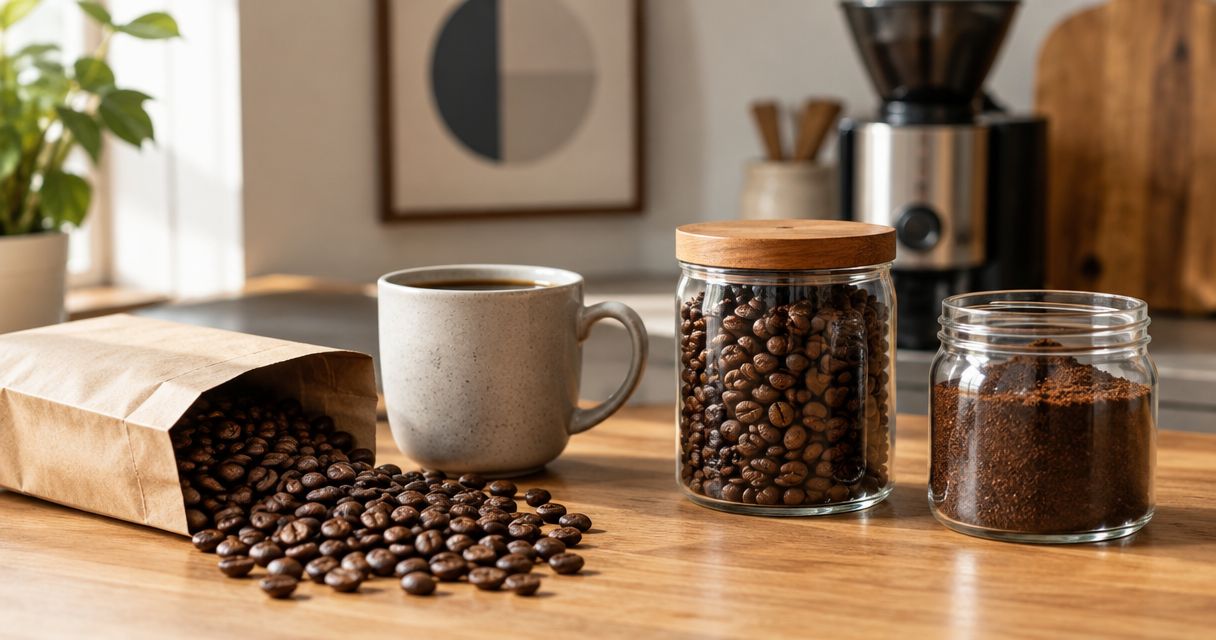
- Check storage instructions. Keep coffee protected from air, moisture, heat, and light. Close the package or container after use rather than leaving the full supply exposed beside the machine.
Expected result: You have a coffee format your equipment accepts and a single starting coffee you can evaluate consistently.
Brew4ufresh sells blends, flavored coffee, and single-origin coffee. That range supports different preferences, but it also gives you more variables to change. For an espresso workflow, narrow the choice before setting a recurring order.
Espresso recipe baseline
A subscription should replenish a recipe you enjoy, not pressure you to use beans faster. Establish your brewing baseline before deciding how much coffee belongs in each delivery.
- Create a recipe note. Use the headings Coffee, Dose, Yield, Grind, and Taste in your notebook. These are your own record labels, not retailer or machine interface fields.
- Set a suitable dose. Follow your basket or machine guidance. For equipment suited to it, 18 g of dry coffee and 36 g of espresso provide a conventional 1:2 starting ratio—not a requirement for every machine or coffee.
- Weigh the output. Place a suitable cup on the scale and tare it before brewing, where your machine layout permits. Stop at your chosen beverage mass rather than judging the shot by crema height.
- Taste before adding milk. Record whether the espresso tastes sour, bitter, thin, balanced, or otherwise unpleasant. Then prepare your usual drink and note whether the coffee works in that format.
- Change one setting. Keep dose and yield steady while making a small grind adjustment, following your grinder instructions. Record the result before changing another variable.
Expected result: You have a written starting recipe and a clear record of the adjustment that improved—or worsened—the cup.
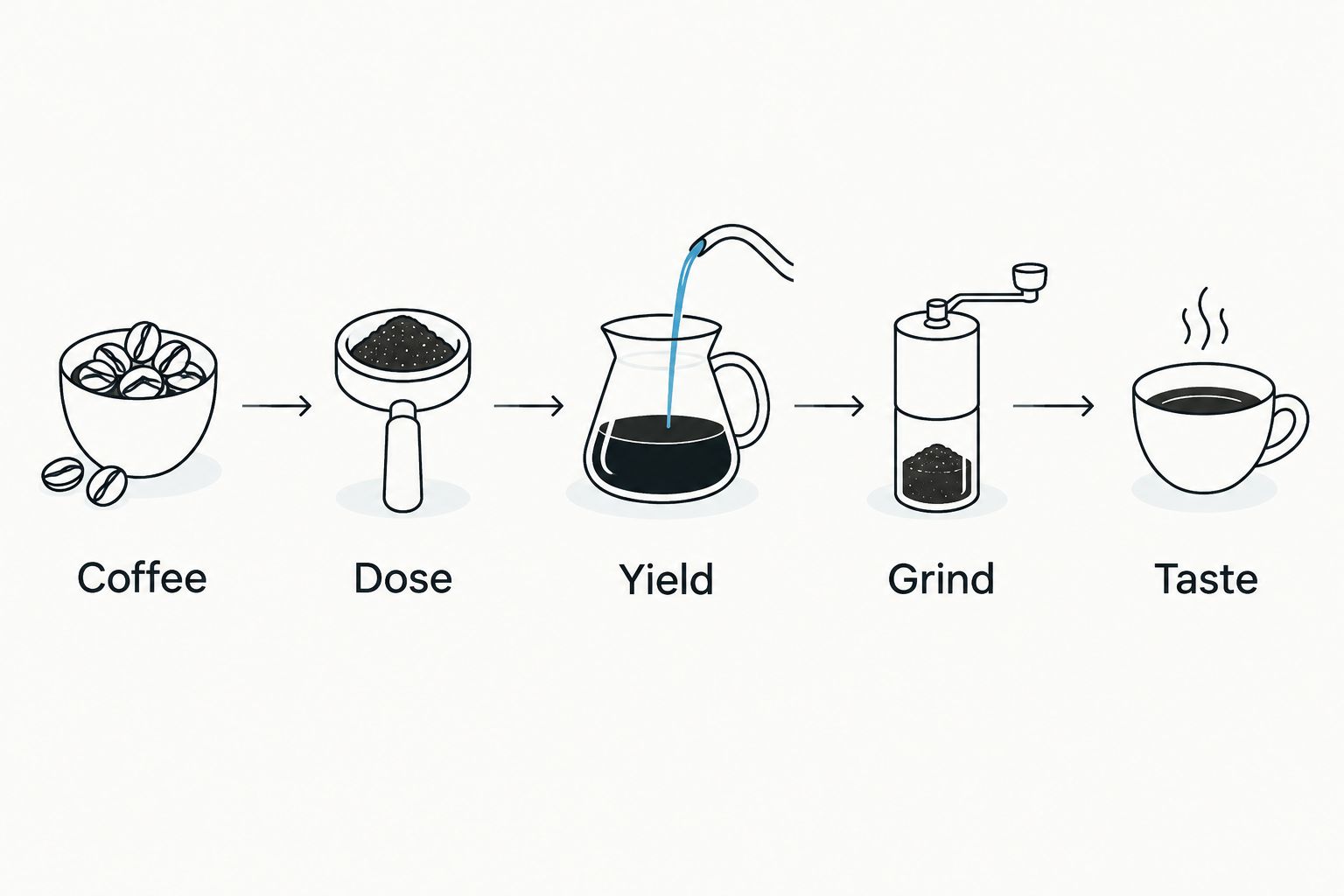
Avoid using shot time as the only pass-or-fail test. Flow, taste, dose, and yield belong together; a familiar timer reading does not prove that a different coffee needs the same recipe.
Bean-use log and delivery cadence
Build your 2026 delivery cadence from consumption you can measure. The calculation is simple: daily coffee use multiplied by the days you want an order to cover.
- Record dry coffee use. Log the dose for each preparation, including coffee discarded during adjustments. For an automatic machine that does not expose dose weight, record how long a measured quantity of beans lasts instead.
- Separate routine use from setup use. Mark coffee used for recipe adjustments or grinder purging. Keep it in the total, but distinguish it from your normal drinking pattern.
- Calculate a working interval. As an illustration, two preparations using 18 g each consume 36 g per day, or 252 g over seven days, before purges or discarded shots. Replace those example values with your own records.
- Compare order quantities. Use the actual package weight stated by the retailer. Divide usable coffee weight by your measured daily consumption to estimate how many days it covers.
- Set the next review date. Review your remaining coffee before you need another order. Use the retailer's stated delivery information when deciding when to place it; do not assume an order date is an arrival date.
Expected result: Your order quantity and timing reflect measured use, including coffee consumed outside finished drinks.
Keep the calculation separate from your taste assessment. If a coffee does not suit you, shortening the delivery interval will not improve it. Revisit the coffee or recipe first.
For more context on choosing beans, use the fresh-roasted coffee buying guide. Freshness matters, but it does not replace matching the coffee to your equipment and preferences.
Ordering controls and reminders
The final configuration unit connects your supply record to an action. Use recurring delivery only when its controls match your routine; otherwise, a calendar reminder keeps the ordering decision in your hands.
- Review the actual ordering terms. Before enrolling, check the selected coffee, quantity, frequency, and any deadline for changing an upcoming order. Read how to stop recurring orders rather than assuming every retailer handles them identically.
- Match the interval to your log. Choose an offered interval that fits measured consumption. If no interval fits, use manual ordering instead of creating a growing surplus.
- Create a calendar event. Call it Check coffee supply. Include your current recipe, daily consumption, remaining coffee, and intended next action in the event notes.
- Save the order confirmation. Record the coffee and quantity ordered. Compare the confirmation with your plan so an accidental format or quantity change does not become the next brewing problem.
- Review after opening the next bag. Check the package information and taste the coffee before carrying over every setting. Adjust the recipe only when the cup calls for it.
Expected result: You know what triggers the next order, what it contains, and when you need to review it.
For a 2026 home espresso setup, a reminder is enough when you still need to make the buying decision. Automatic ordering removes a checkout task; it does not measure your remaining beans unless a specifically documented system provides that function.
Variant: update the plan when your routine changes
Use this second workflow whenever your coffee consumption changes. Guests, time away from home, a new drink routine, or another household coffee drinker all change the supply calculation.
- Record the change. Note whether it affects daily doses, dose size, or occasional extra preparations.
- Measure the new pattern. Keep logging coffee rather than guessing from how full the hopper looks.
- Recalculate coverage. Divide the remaining coffee weight by the revised daily use.
- Change the next action. Adjust an upcoming recurring order through the retailer's documented controls, or move your manual ordering reminder.
- Keep the recipe separate. More drinks do not require a different grind or extraction recipe if the coffee still tastes right.
Expected result: Supply follows your household instead of continuing on an outdated schedule.
When switching coffees, keep some of the familiar coffee for comparison. Use the same drink format and judge the new coffee on taste, not just whether it produces a similar-looking shot.
Troubleshooting
Coffee runs out before the next order
Check for unlogged purges, discarded shots, and extra household drinks. Recalculate from total dry coffee use, then revise the order quantity or timing through the available controls.
Unopened bags keep accumulating
Your planned consumption exceeds your actual use. Recalculate with your current routine and adjust future orders before adding more coffee; buying on a fixed calendar is not a freshness strategy by itself.
A new bag produces a different shot
Return to your written dose and yield, then taste. Adjust grind in small increments according to the grinder manual, keeping the other recipe variables steady so you can identify the effect.
The machine struggles with the selected coffee
Check format compatibility and the manufacturer's bean guidance first. For integrated grinders, follow the manual's restrictions on coated or oily beans; do not assume a flavored coffee belongs in every hopper.
Espresso tastes inconsistent between preparations
Check dose, distribution, grind, and machine readiness before changing the delivery plan. Follow the manufacturer's cleaning and maintenance instructions; fresh coffee cannot compensate for a dirty coffee path or inconsistent preparation.
Customize your workflow
Once your baseline works, expand one part of the routine. Keep a separate recipe for a second coffee, add a household consumption note, or create a reminder to review the next order before travel.
Brew4ufresh's coffee selection gives home drinkers choices across blends, flavored coffee, and single origins. The useful choice is the one that fits your machine and tastes good in your usual drink. A wider selection is not a reason to change every variable at once.
For your next 2026 review, ask three questions: Does the coffee taste right? Does the quantity match consumption? Does the ordering method give you enough control? Fix the weakest part before adding more complexity.
FAQ
What's the best espresso machine coffee subscription setup for home use?
The best setup matches coffee format, measured consumption, and ordering controls to your household. Establish a repeatable espresso recipe first, then choose an order quantity and interval that fit actual bean use.
Can my espresso machine automatically order fresh coffee?
Do not assume your espresso machine can place coffee orders. Check its documented features; a calendar reminder and a bean-use log work without any machine integration.
How much coffee should I order for daily espresso?
Base the quantity on your measured dry coffee use, including purges and discarded shots. Divide the package weight by daily consumption to estimate how long it will last, then plan ordering around the retailer's stated delivery information.
Do I need dark-roast beans for an espresso machine?
No, espresso is a brewing method rather than a mandatory roast level. Choose a coffee whose flavor you enjoy and whose format suits your equipment, then adjust the recipe for that coffee.
Is whole-bean coffee better than ground coffee for espresso?
Whole beans are better for grind control when you have an espresso-capable grinder. Ground coffee removes that step, but its particle size cannot be adjusted after purchase; check that it suits your machine.
Should I use the same grind setting for every fresh bag?
Use your existing setting as a starting point, not a guarantee. Keep dose and yield consistent, taste the espresso, and adjust the grind according to your equipment instructions.
Should I choose recurring delivery or order coffee manually?
Choose recurring delivery when the offered quantities, intervals, and change controls fit your routine. Manual ordering gives you a fresh decision each time and suits consumption that varies.
One last thing
Order for the grams you use, not the size of your mug. Adding water or milk changes the finished drink without necessarily changing its coffee dose. That distinction keeps your supply calculation useful even when your favorite drink changes.